Fire door asset registers are the quiet achievers of fire safety. When they are well set up, audits run smoothly, budgets are clearer, and compliance becomes a routine habit rather than a last minute scramble. This guide walks building and strata managers through the practical steps to create, audit, and maintain a register that actually helps you get work done, without drowning you in jargon.
What is an asset register and why it matters
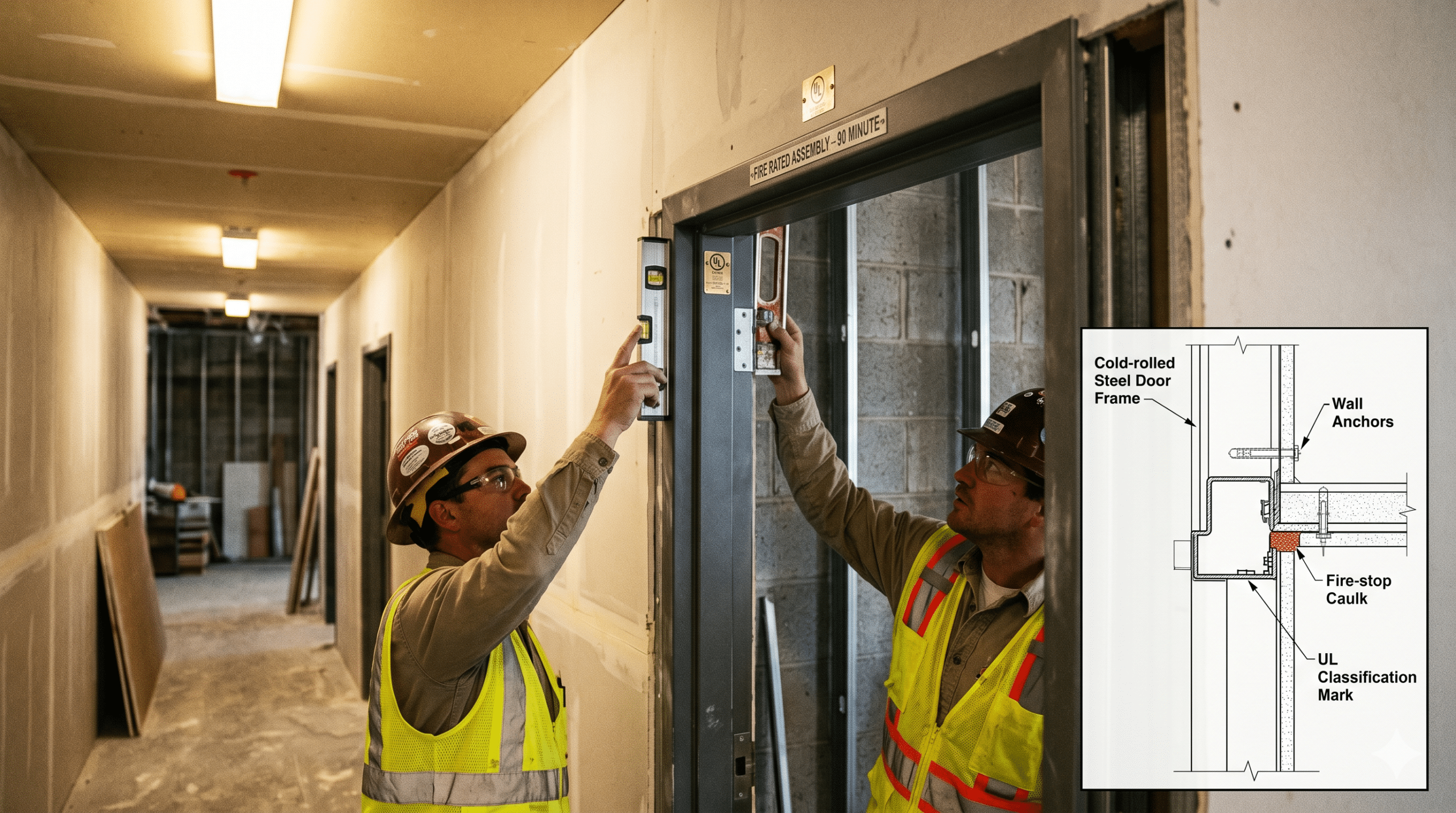
At its core, an asset register lists every fire door in your building and keeps the important details in one place. A fire door asset is not just a door leaf and frame. It is the complete assembly that includes the door, frame, hinges, approved closer, latch set or lock, and the required perimeter and meeting stile seals. If any part is wrong or worn, the whole assembly may fail to perform when it matters most.
In Sydney and across NSW, managers juggle multiple sites, annual statements and contractor visits. A clean register reduces repeat site visits and helps you hit AFSS timelines with less pressure. It also cuts wasted spend by pointing you to the right parts the first time.
Who needs this most
Strata managers, building managers, commercial property teams and construction project managers benefit most from a robust register because they need to show evidence of compliance, plan remedial works and communicate clearly with owners and tenants. A well structured list means every fire door asset can be found, checked and acted on quickly, even when staff change or a contractor is new to site.
Step 1: Set up your register so it works in the real world
Start with a simple master sheet. Spreadsheet, database or facility software will do, as long as it is easy to update. Each entry for a fire door asset should have the same core fields so your team can scan and understand it quickly.
Core fields to capture
- Unique ID and location: building, level, zone and door number
- Door type and rating: solid core or door set, 1, 2 or 4 hour rating
- Size and handing: width, height, left or right hand
- Hardware: closer model, lock or latch, hinges, coordinator for pairs
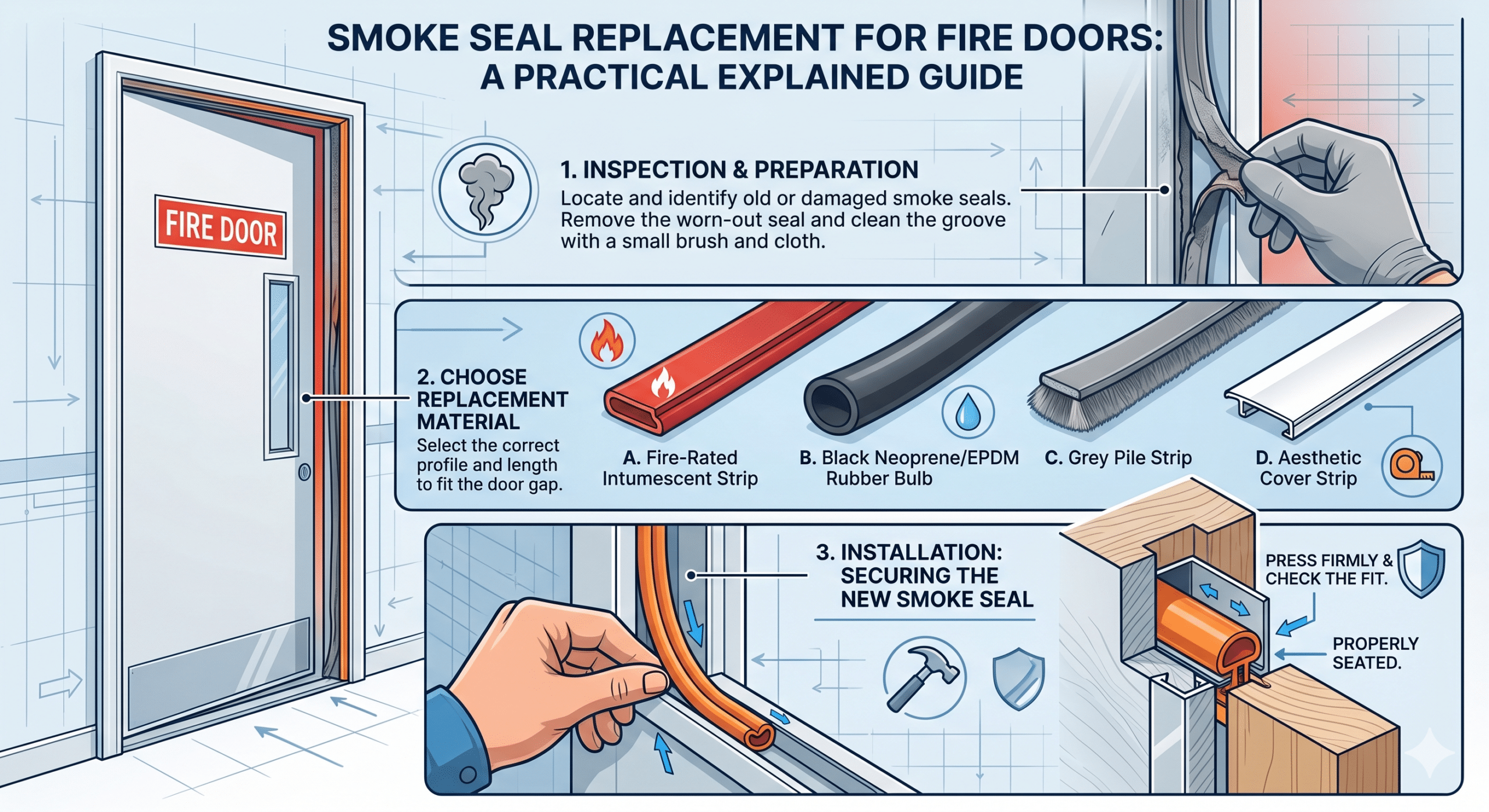
- Seals: perimeter and meeting stile seal details
- Condition notes and photos: one wide shot, one label close up, one hardware close up
- Compliance references: certificate numbers, installer details, date of last check
- Next action and due date: minor repair, major repair, replacement or pass
Site walk tips and photo standards
If you are starting from scratch, begin with one building. Walk the site top to bottom and capture data in the same order every time. That rhythm matters. Tag each fire door asset with a clear label that matches the register ID so there is no confusion later. Photos should be taken the same way each time, ideally from the hinge side first so auditors can compare like with like. Keep labels legible in photos and note anything unusual such as non standard viewers or air grilles.
Step 2: Make data consistent and searchable
A register is only useful if you can filter and sort it quickly. Use drop down lists for common hardware and condition codes to avoid typos. For example, choose from Pass, Minor defect, Major defect or Replace. If your software allows it, link each fire door asset to a photo folder or embed thumbnail images. Consistent naming like Tower A Level 6 West Stair 1 saves hours during audits and stops arguments about what was on the door last year.
Lists, codes and image links
Keep a short controlled list for hardware brands and models you accept on site. Make image links obvious and store them in a predictable folder structure. This turns your register into a single source of truth during quotes, approvals and annual sign offs.
Step 3: Plan for updates with minimal friction
Registers die when updates are hard to make. Keep collection simple in the field. A mobile form that lets inspectors choose the building, scan a QR label and update the fire door asset directly will keep the data fresh. If you prefer spreadsheets, save one master version in a shared drive and name versions by date so nothing gets lost. Assign a single owner for each building who approves changes before they go live. That light governance prevents accidental deletions and version confusion.
Ownership and version control
Nominate a document owner and a deputy. Use a change log that records date, name and action. This keeps everyone honest and makes audits far less stressful.
Auditing your fire door register
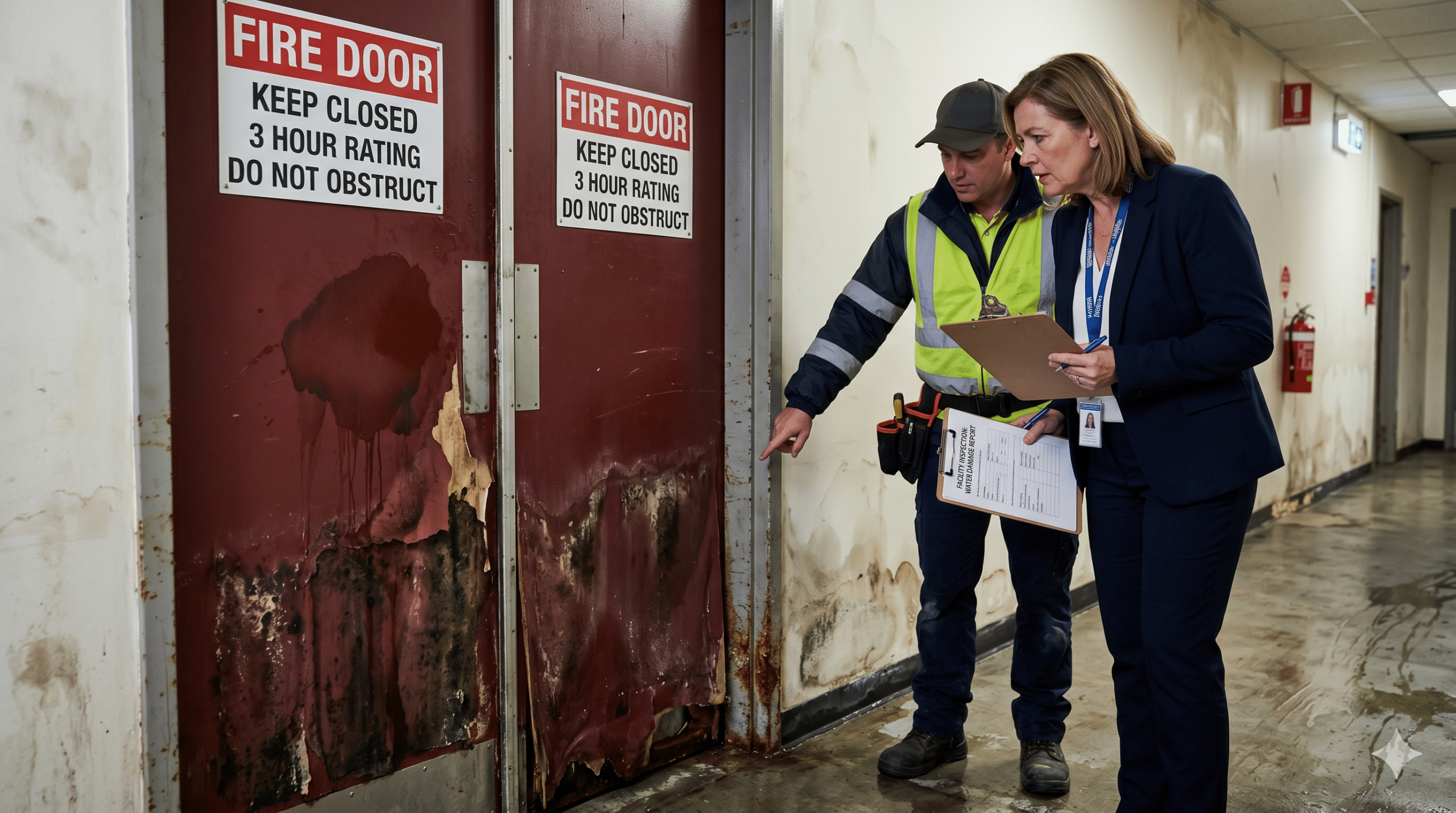
Annual audits should confirm what is on the register, what has changed and what needs action. Before the visit, export the current list sorted by location and review open actions. On site, your goal is to sight each fire door asset and verify rating labels, hardware, seals and clearances. If a door fails, record the reason in plain terms that someone in accounts can understand, like Closer leaking oil or Seal missing at head.
What to check on site
- Labels: present, legible and suitable for the rating
- Hardware: correct type and model, firmly fixed and operating
- Seals: fitted, continuous and undamaged
- Gaps: within allowed tolerances at head, jambs and threshold
- Operation: closes from any position and latches securely
Three quick auditing tips
- Look for field modifications. Extra holes, added viewers or non rated locks can compromise performance.
- Check closers and latching. The door must self close and latch from any open position.
- Confirm labels. If the rating label is missing or unreadable, treat it as non compliant until proven otherwise.
Turning findings into a plan
Once the audit is complete, group defects into tasks. Replace failed closers as one package. Order seal repairs as a separate package. Bundle by priority and location to minimise disruption. Assign due dates and owners inside the register so the plan is visible to everyone. Your aim is to move each fire door asset to a pass and keep it there with routine upkeep.
Upkeep that prevents repeat defects
Preventive maintenance is cheaper than rushed repairs. Schedule quarterly checks for high traffic doors and six monthly checks for moderate traffic doors. Keep spare approved latches, closers and seals on hand so small repairs happen quickly. When you replace hardware, update the register immediately. The update should include new model numbers, installation date and a brief note about why the change was made, tied to the relevant fire door asset.
Common pitfalls and how to avoid them
- Unclear locations: If you cannot find a door fast, neither can an auditor. Use consistent naming, not nicknames.
- Missing photos: Good photos remove doubt. Capture the rating label and the closer’s adjustment screws. If a fire door asset has no photos, fix that before audit week.
- Mixing rated and non rated hardware: Only use hardware that is certified for fire doors and matched to the door rating and standard.
- Letting small defects linger: A loose closer screw today becomes a failed closer next quarter. Fix small items quickly and record the fix.
- Version confusion: Lock the master file and log changes. A simple change log keeps the story clear.
Simple checklist for busy managers
Use this as a quick start plan for your next building:
- Locate every fire door asset and label it clearly
- Create or clean your register with the core fields listed above
- Photograph labels, hardware and seals for each door
- Audit for function and compliance, then group actions into bundles
- Schedule repairs by priority and location to reduce disruption
- Update the register as soon as work is done, including new photos
- Review high traffic areas quarterly to catch wear early
- Export a summary for your AFSS pack so sign off is straightforward
Frequently asked questions
How often should I audit? Most sites complete a full audit yearly, with targeted checks in between for busy zones like lobbies or plant rooms.
Do I need a software system? Not always. A disciplined spreadsheet works well if the data is structured and one person owns the master.
What about standards? Work to the applicable Australian Standards for fire doors and hardware, and document the details in your register so they are easy to reference during compliance checks.
Final thought
A good register turns every fire door asset into a managed, trackable item rather than a mystery behind a corridor. Build it once, maintain it lightly and it will pay you back in saved time and smoother audits.
How CFS can help
Comprehensive Fire Services helps Sydney building and strata managers create and run practical registers, complete audits and close out defects with compliant parts and clear documentation. We can stand up a fresh register, migrate your legacy spreadsheets, or take your existing list and tidy it so it is easy to maintain. Our team supplies, installs and services certified door assemblies, then updates the paperwork so your AFSS is simpler each year. If you want a partner who knows doors and understands the pressures of budgets and timelines, talk to the CFS team.