Hardware compatibility map is your roadmap for choosing parts that actually work together on a certified fire door set if you manage buildings or run projects.
hardware compatibility map lists the exact combinations of hinges, locks, closers, seals, and frames that have been tested as a system. Hardware compatibility map replaces guesswork with clarity so the door performs as designed when it matters most.
Why is this important? Fire doors are tested as complete assemblies. Swap a closer for a lookalike or add a viewer without evidence and you may accidentally void the rating. With a clear hardware compatibility map, everyone on the job sees the same trusted combinations, which keeps procurement tidy, installation consistent, and audits stress free.
Who benefits day to day
Strata managers, building managers, and construction teams all gain from using a hardware compatibility map. It reduces back and forth, speeds up sign off for the AFSS, and helps new staff get up to speed quickly. Instead of relying on memory, the rules live in an easy reference that anyone can read.
What to include in your map
Start with the door type, rating, and frame material. Then set out approved combinations in simple groups:
- Hinges and pivots
State the grade, fire rating, number required, and whether intumescent pads are needed. Clear notes stop small errors becoming big ones.
- Locks and latches
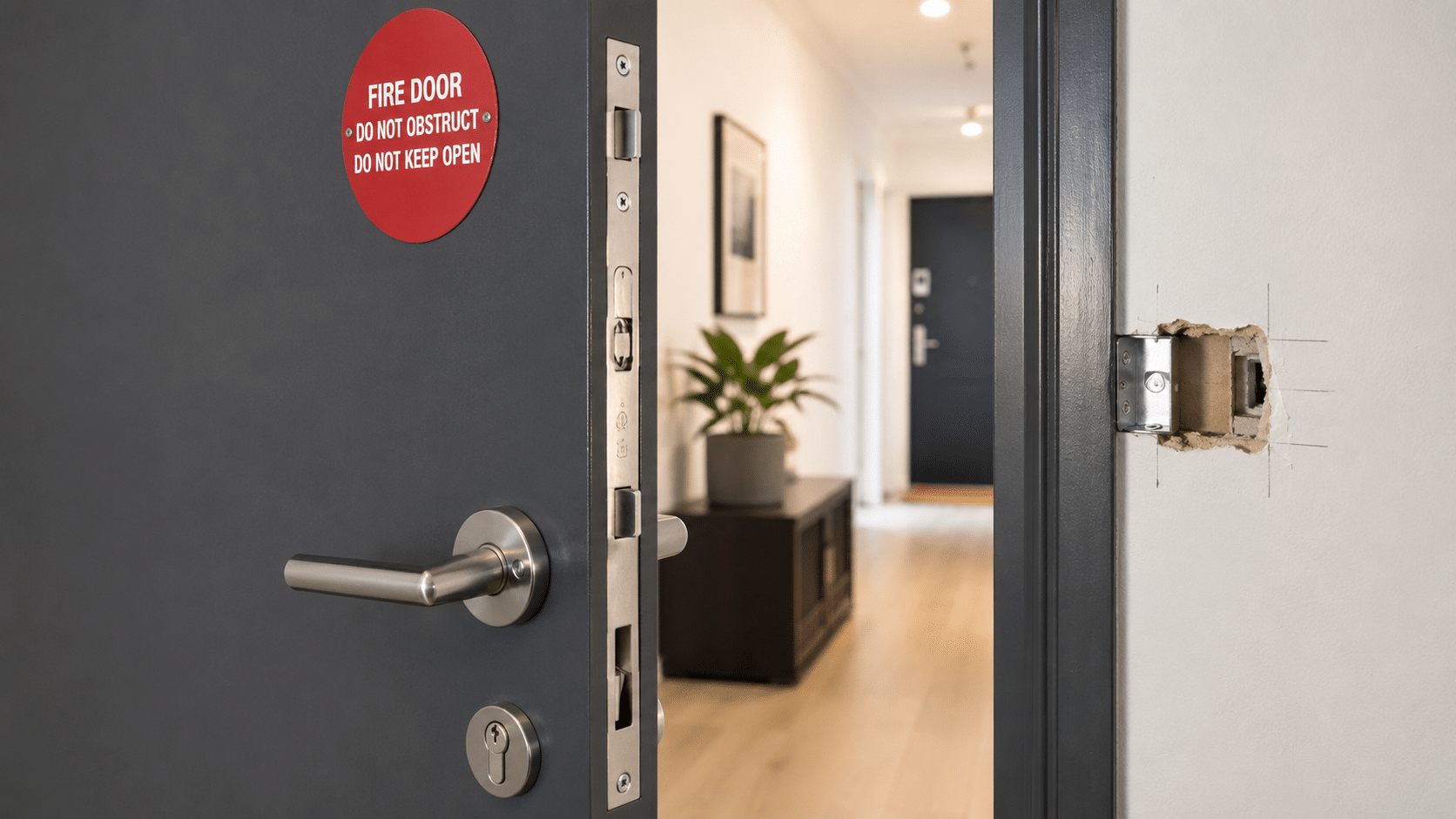
List the models that were tested with the door leaf and frame. If electric strikes or mag locks are allowed, spell out the conditions on your hardware compatibility map.
- Door closers
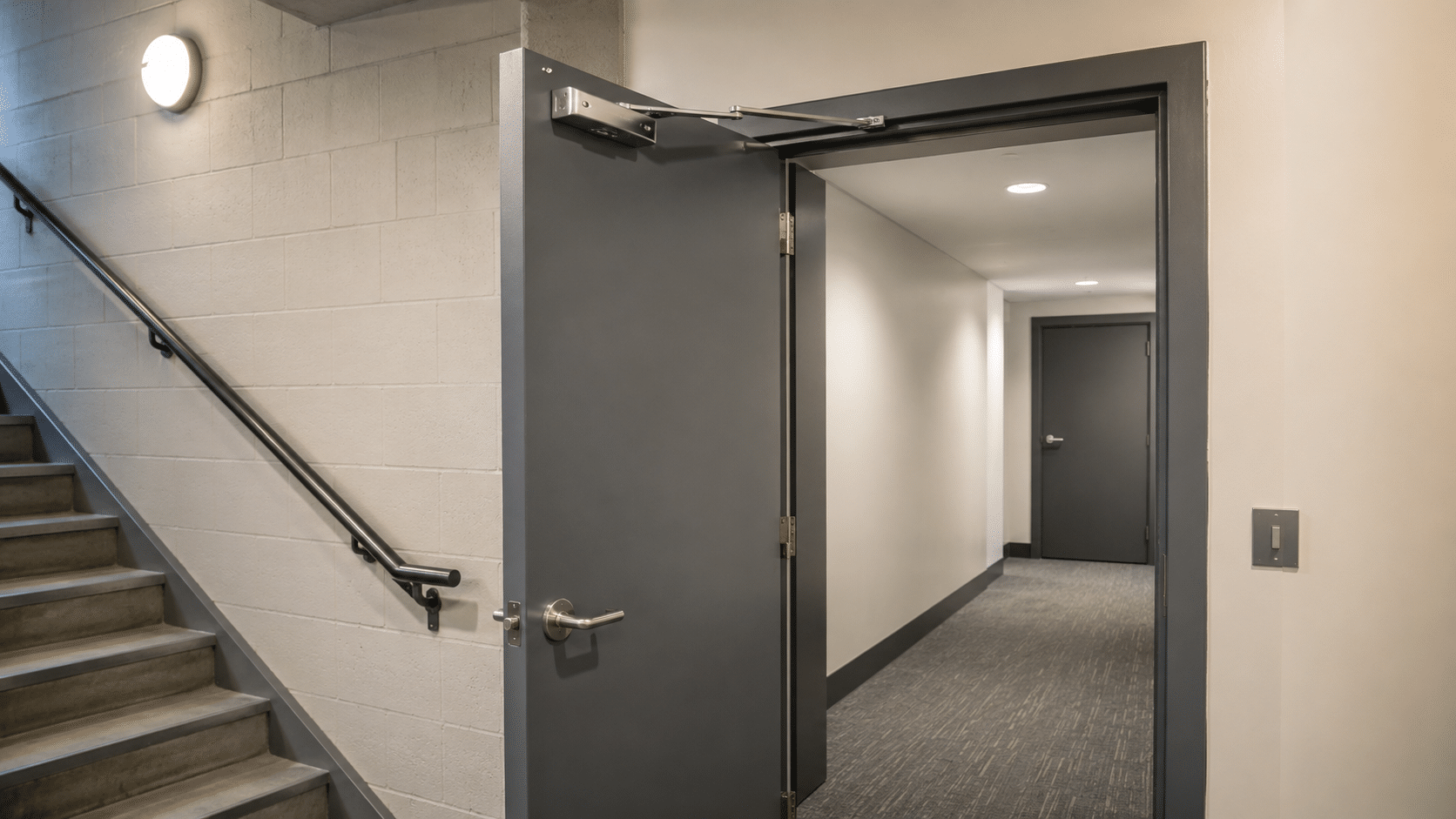
Identify approved surface, concealed, or floor closers. Include power sizes and the door widths they suit. A photo showing correct arm position is a nice touch.
- Seals
Cover smoke and intumescent seal types, gap allowances, and any bottom seal options. Add a quick go or no go gauge method to keep checks consistent.
- Vision panels and viewers
If permitted, specify the tested glass, thickness, maximum cut out size, and beading method. Tie each listing back to evidence.
- Ancillary items
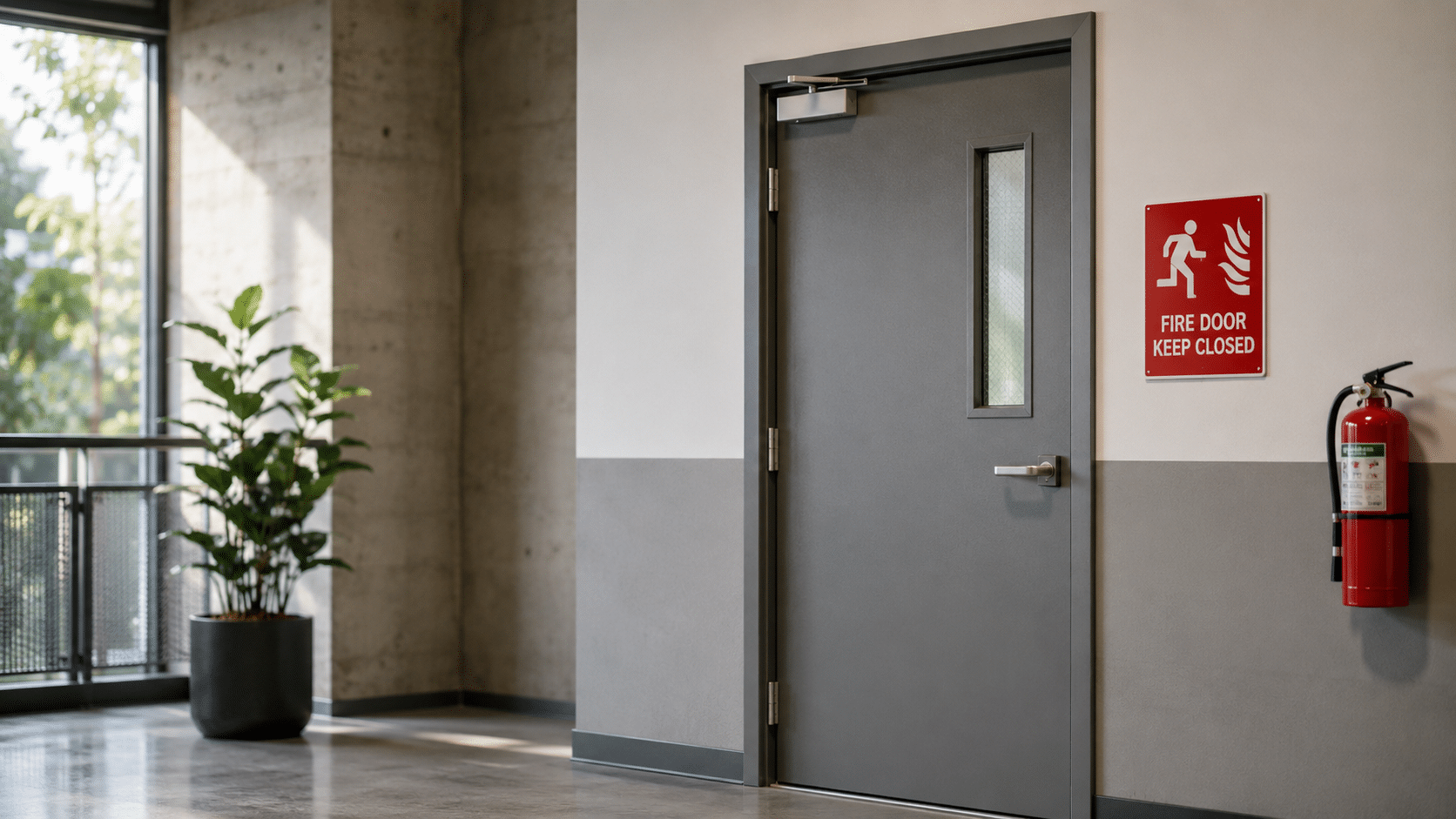
Kick plates, push plates, signage, and door stops should be listed only if they are proven not to affect performance. Keep fixing details simple and specific.
- Installation notes
Record screw types, fixing centres, packers, and fillers. These small details save rework and prevent non conformances.
With these sections, your hardware compatibility map turns into a daily tool that saves time and protects your certification.
Keep it aligned with standards
In Australia, compliance is tied to certification and the relevant standards. Follow the test evidence supplied with the door set and each hardware item. Document maintenance cycles, keep records tidy, and ensure any repair stays within the tested scope. A good practice is to link your hardware compatibility map directly to certificates and installation guides stored in a shared folder, so auditors can verify quickly.
Pitfalls to avoid
Even careful teams can trip over common issues. Use your map to stop these problems early:
- Unapproved substitutions
A like for like swap is rarely exact. If a part is not on the hardware compatibility map, treat it as a change request and check the supporting evidence before installing.
- Missing seals or wrong gaps
A few millimetres can break compliance. The map should set out gap tolerances and a simple measuring method for quick checks.
- Random add ons
Hooks, door stops, or retrofit access gear can look harmless. If they are not listed on the hardware compatibility map, they might compromise performance and should be reviewed.
- Messy documentation
Vague descriptions cause confusion. Use precise model numbers and link each item on the hardware compatibility map to a product sheet or certificate.
How to build a reliable map
Follow this straightforward workflow:
- Collect evidence
Gather the door leaf certificates, frame details, and hardware fire test reports. Store files in a shared location that your team can access.
- Create a simple template
Use a spreadsheet or table with columns for door type, hardware category, approved model, conditions, and a link to the source. Title the file clearly as your hardware compatibility map.
- List approved combinations
Start with the parts you use most. If the evidence shows limits, write them in plain language so technicians can act with confidence.
- Add photos and diagrams
A quick photo of the correct closer arm or hinge orientation reduces mistakes. Place images beside the relevant row in the hardware compatibility map.
- Set an owner and review cycle
Assign a responsible person and schedule a quarterly review. When suppliers update models, the owner updates the hardware compatibility map and alerts the team.
- Train your team
Run a short toolbox talk. Show where the map lives, how to read it, and what to do if a part is missing from the list.
- Audit and improve
Treat every non conformance as a lesson. Update the hardware compatibility map to prevent the same issue appearing on other sites.
Quick field checklist
Print this checklist and keep it in the toolkit:
- Confirm the door rating and type match the map
- Check hinges, locks, and closer models against the listing
- Verify seals are present, continuous, and correct type
- Measure clearances at sides, head, and bottom
- Confirm any vision panel matches the approved size and glazing
- Ensure furniture and signage appear on the allowed list
- Log differences and escalate before proceeding
Used together with the hardware compatibility map, this checklist creates a fast pass or a quick red flag for further review.
Friendly FAQs
Can I use a different closer if the size matches?
Not without evidence. If the model is not listed on the hardware compatibility map for that door set, seek written approval backed by test data.
Do small accessories matter?
Yes. Even a viewer or kick plate can change performance. Only install items that appear on the hardware compatibility map with clear conditions.
What if a product is discontinued?
Update the listing with a proven alternative and record the change. Keep the trail tidy inside the hardware compatibility map so audits are easy.
How often should we review the listings?
Quarterly is a good rhythm, or sooner if suppliers release major updates. Calendar reminders help keep the hardware compatibility map current and trustworthy.
Final thought
A well maintained hardware compatibility map turns compliance into a steady routine rather than a last minute scramble. It helps managers plan, gives technicians clear instructions, and makes audits far less stressful. Most importantly, it supports doors that close properly and hold their rating in an emergency, protecting people and property across your buildings.
If you need expert help to build, validate, or update your documentation for Sydney sites, Comprehensive Fire Services can assist with inspections, evidence gathering, and compliant upgrades tailored to your portfolio. Call 0418 749 488 or contact us online to book a review today.